How to install a previous version of Swing Catalyst
How to roll back to an older software version
This support article describes how to install a previous version of Swing Catalyst.
If you’re a beta user and wish to install the previous stable version:
- Please uncheck uncheck “allow beta versions”after having installed the previous version.
When rolling back to an older software version, Swing Catalyst will automatically attempt to find and load a matching database version. With every major release, e.g. 9.8 -> 10.0, 10.0 -> 10.1 there is a change in the database version. This means any recordings made with the newer version won’t be available in the old version. If you have important recordings you wish to save or make a back up of we strongly recommend exporting these before rolling back the software.
Therefor it’s important to take this into consideration when wanting to roll back the software version.
How to uninstall Swing Catalyst
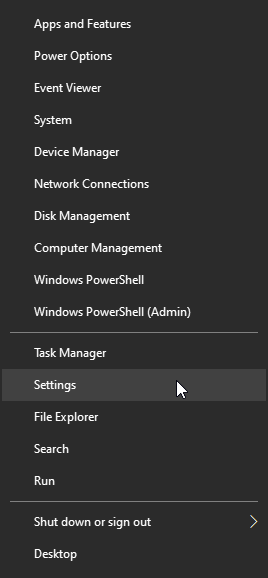
Go to Windows Settings. Right click on the Windows icon on the Task bar
 , and select Settings
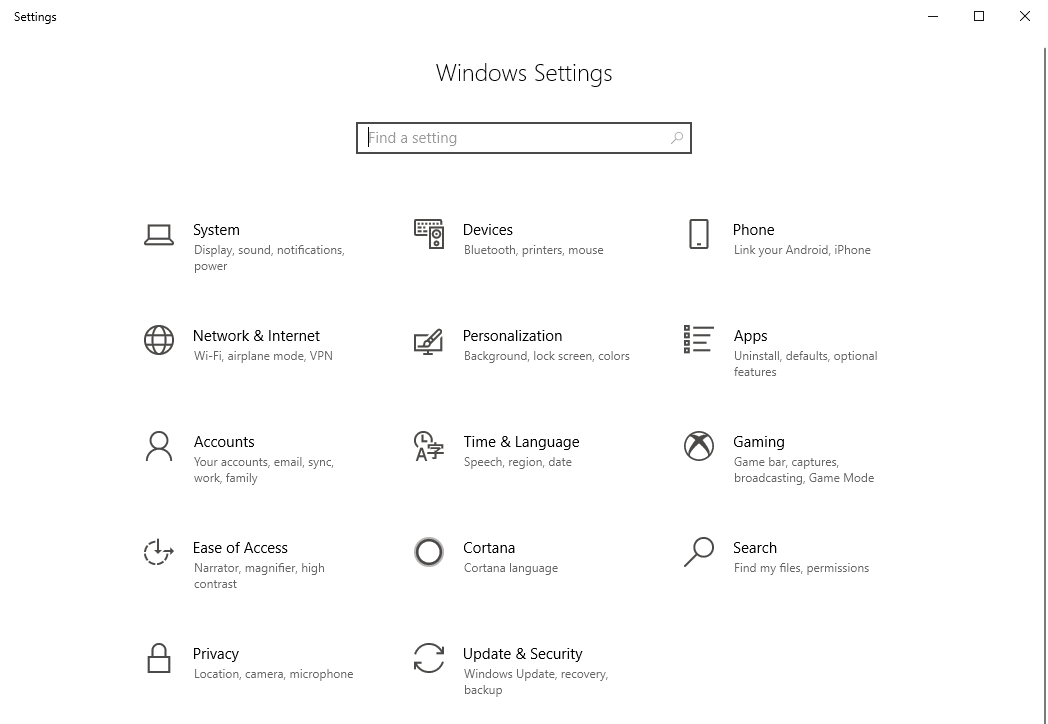
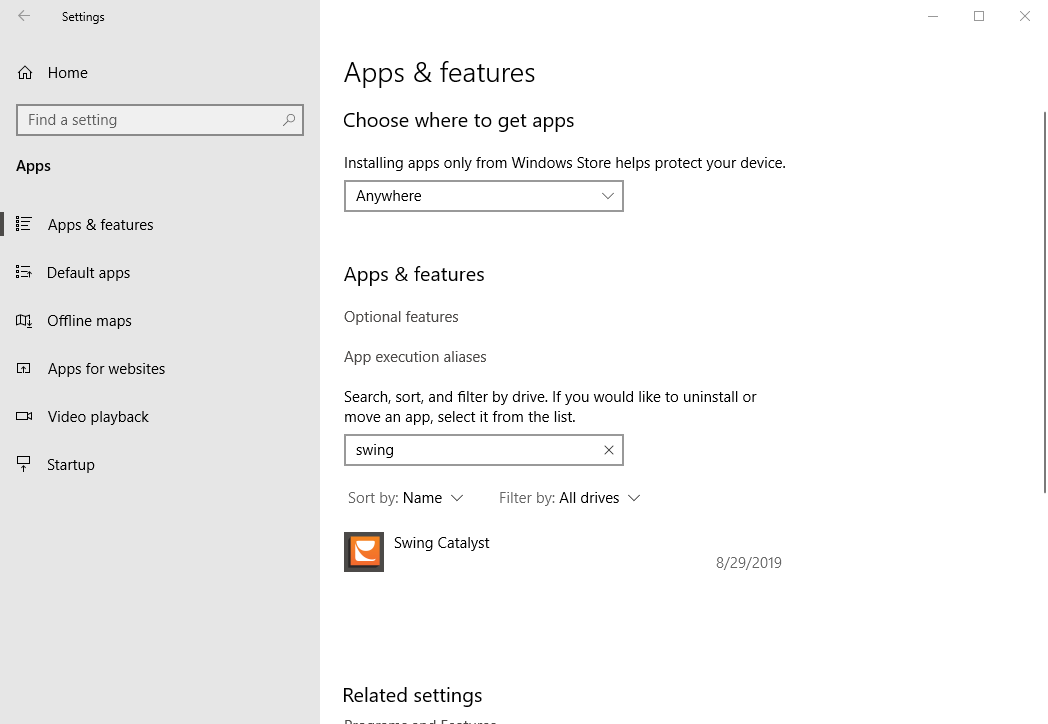
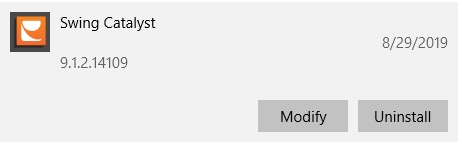
In Settings, click on Apps, then scroll down to you see Swing Catalyst, or type Swing in the search bar.
Click on Swing Catalyst then click Uninstall.
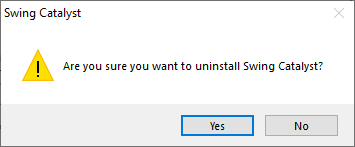
Click Yes and follow the on screen instructions.
1.
2.
Installing a previous version
Older versions of Swing Catalyst can be found in our software archive.
https://www.swingcatalyst.com/downloads/archives (scroll down from the download section):
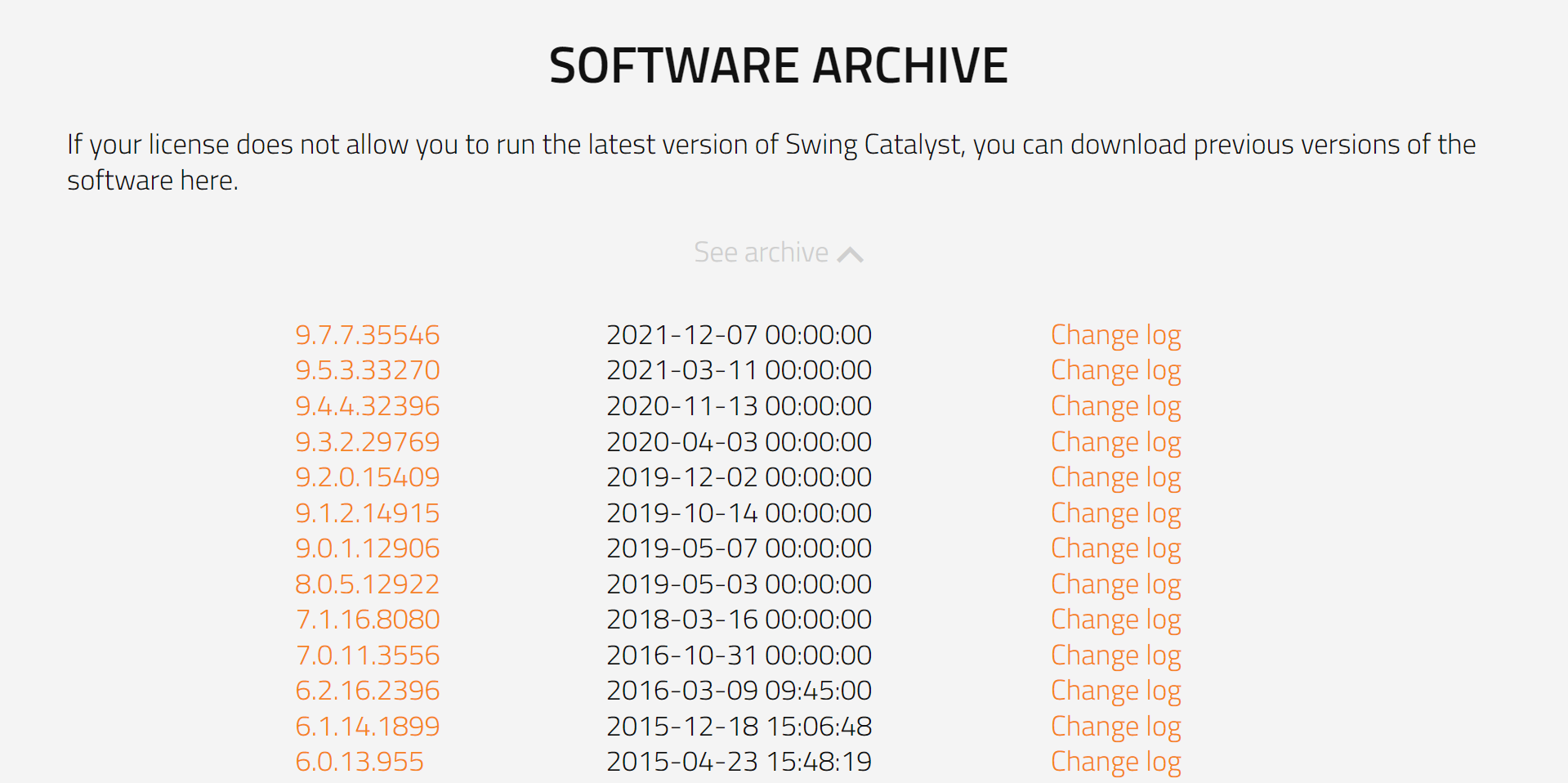
Click on the version you wish to install to download the installer file.
Files you download are usually put in the Downloads folder
Double click the version you wish to install and follow the onscreen instructions.