What graphics card do I have?
This article aims to show how to find what graphics card / adapter your computer may have.
How do I find what graphics card I have?
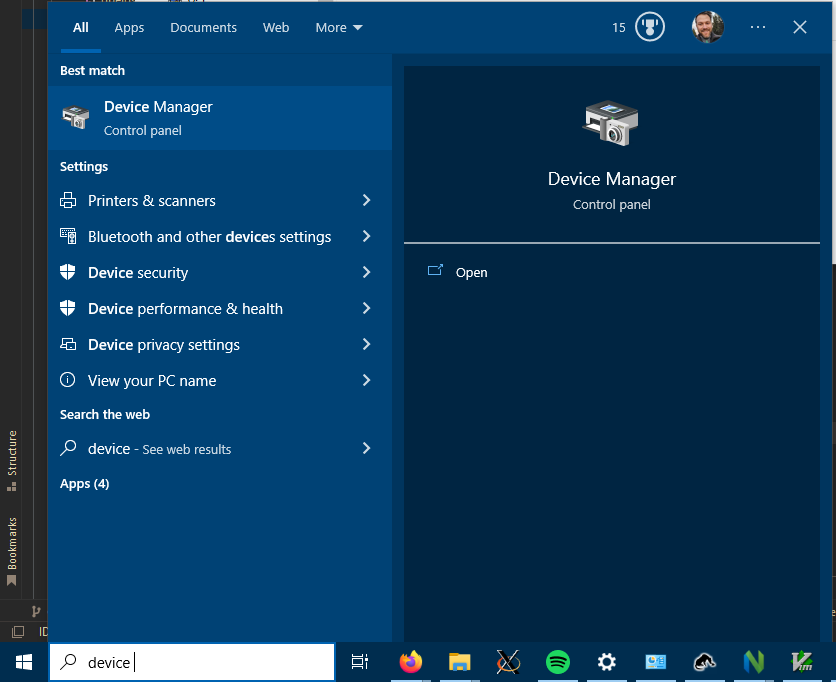
In the Windows Start Menu, type device manager.
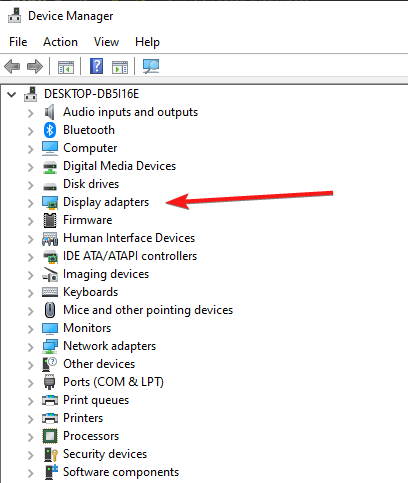
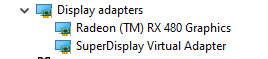
Open Device Manager and Expand “Display Adapters” to see the available adapters.
The listed display adapters are the graphics adapters available on your computer.