How to install & uninstall Swing Catalyst
How install or uninstall Swing Catalyst
This support article describes how to install or uninstall Swing Catalyst*.
*Applicable to: Motion Catalyst.
Before you install Swing Catalyst on a new computer, please make sure that the computer meets our recommended computer specifications / requirements .
Note: Swing Catalyst does not work on Apple hardware (Apple M1, M2, or newer variants that use ARM architecture).
This article also assumes you have a valid license (for the version you wish to install) and have the license readily available.
Downloading the latest version
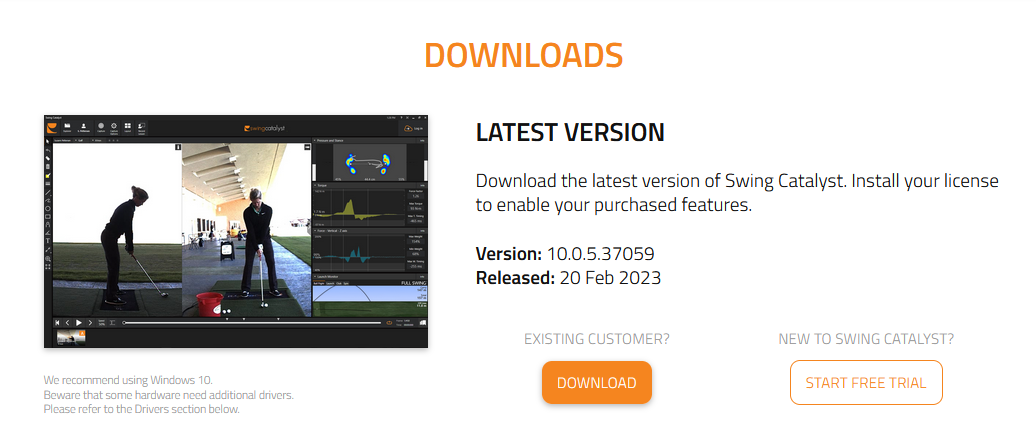
The latest version of Swing Catalyst can be downloaded from our downloads page.
Click the “Download” button.
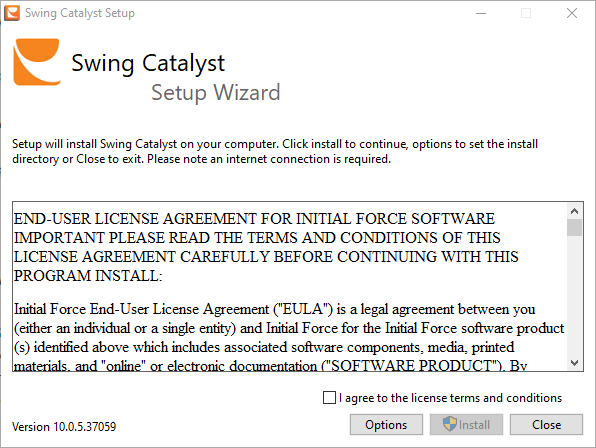
Once the installer has downloaded, double click the exe file (usually in your Downloads folder).
Check the license agreement check box and click “Install”.
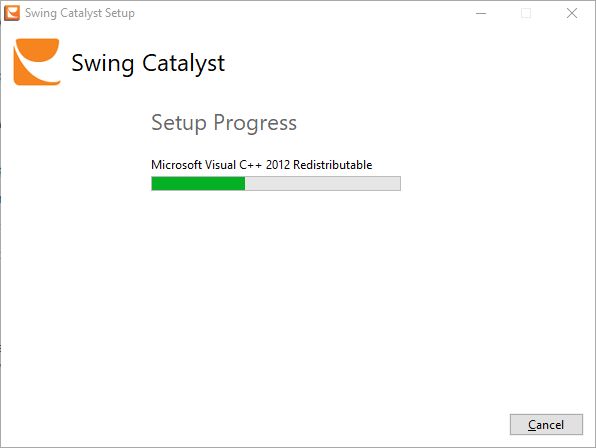
Click “Yes” to the elevated access prompt.
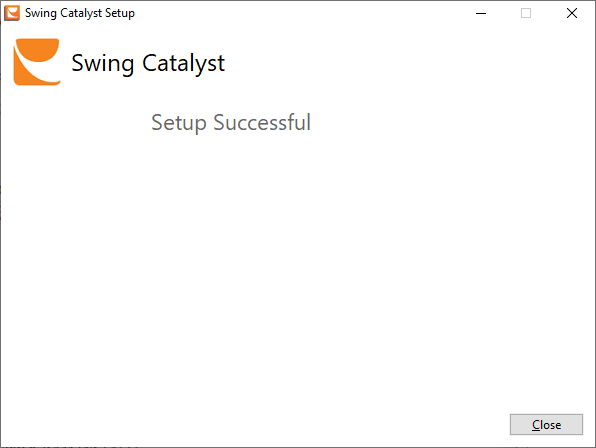
Click “Close” once installation has completed.
How to uninstall Swing Catalyst
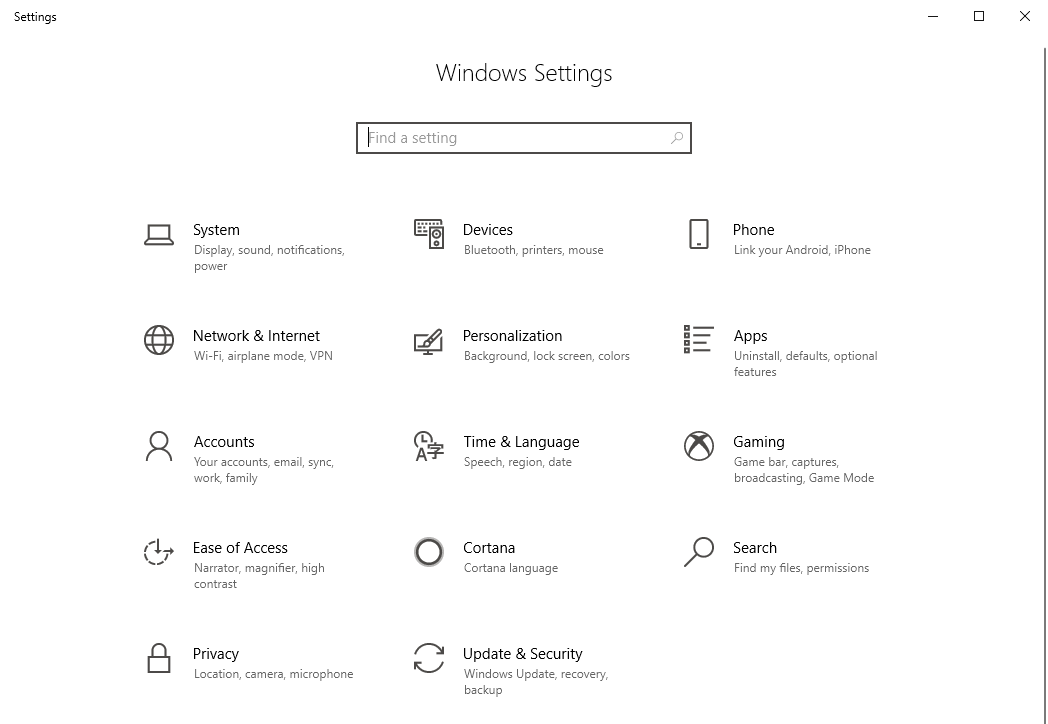
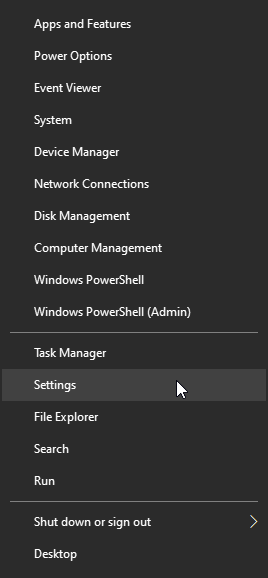
Go to Windows Settings. Right click on the Windows icon on the Task bar
 , and select Settings
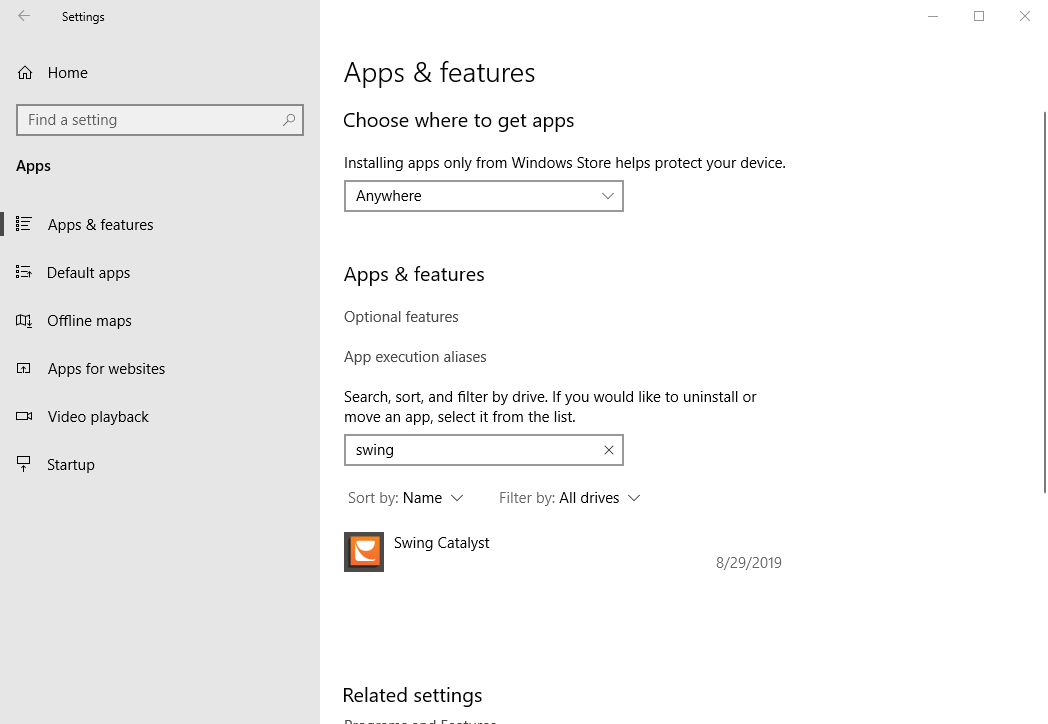
In Settings, click on Apps, then scroll down to you see Swing Catalyst, or type Swing in the search bar.
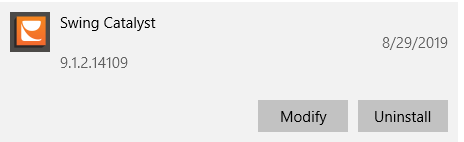
Click on Swing Catalyst then click Uninstall.
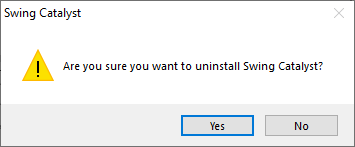
Click Yes and follow the on screen instructions.
1.
2.