How to export student contact information
How to export student details in Swing Catalyst
This article covers how to export all of your students contact information saved in your Swing Catalyst database.
Looking to export raw data values? See how to export data for how to export force data etc: How to export raw data
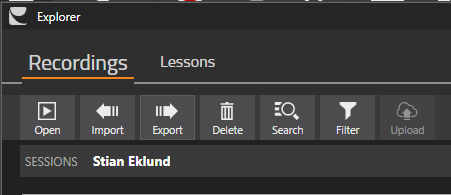
In Swing Catalyst, open the Explorer, then click on the Export button.
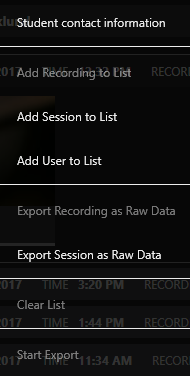
Click Student contact information
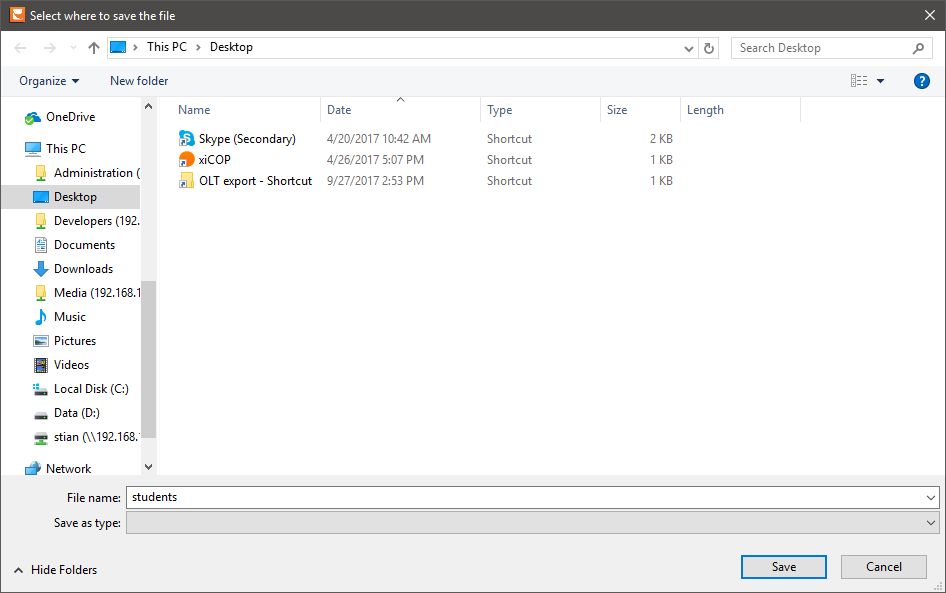
Select where to save the csv file:
Info
You may have to rename the file to students.csv in order for it to be recognized in your spreadsheet viewer.